Emoji picker
Find an emoji by name and paste it into the app you were using. Type : and a name (:heart, :thumbs up) or emoji and a name. The matches are shown as a grid of tiles.
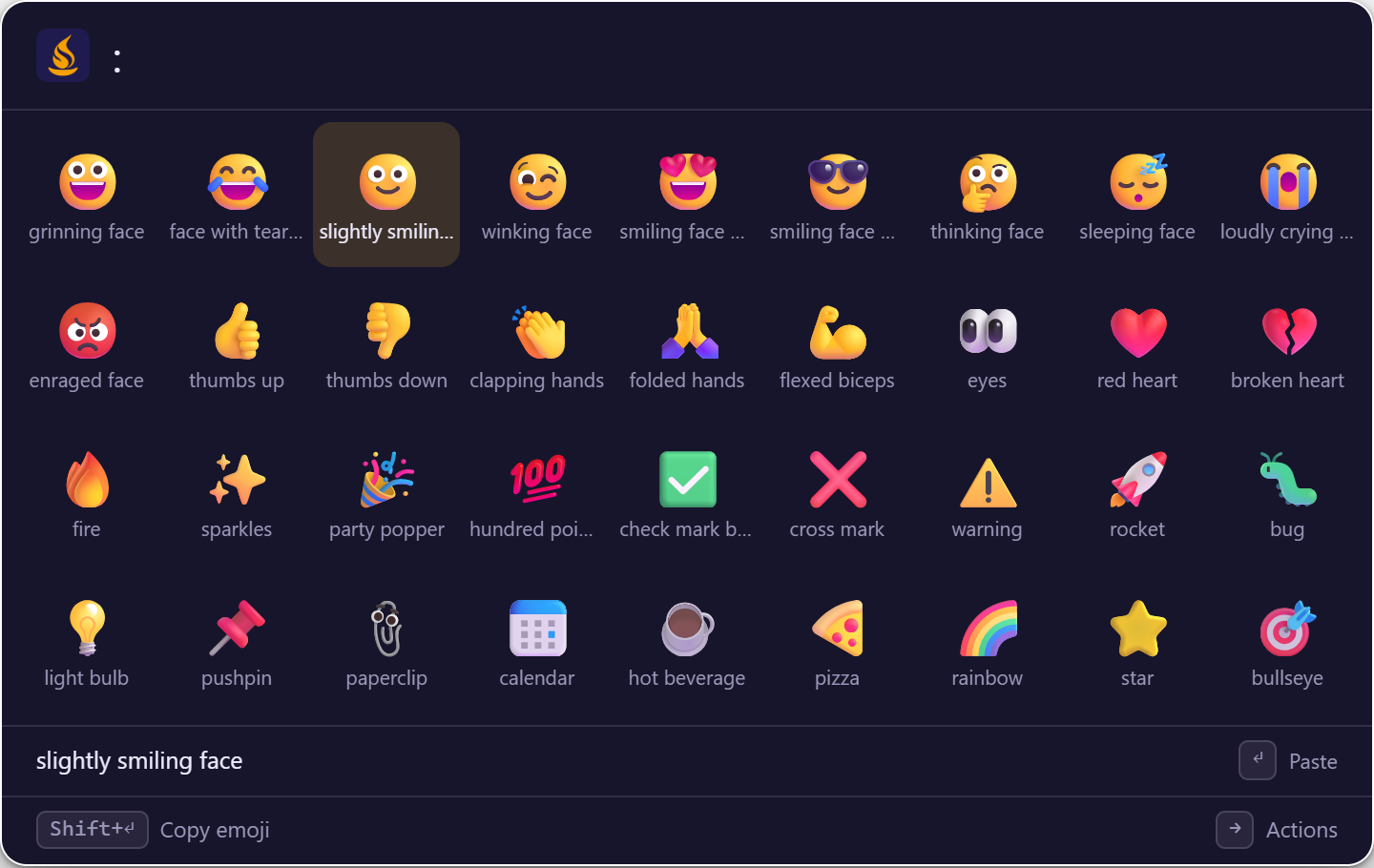
How to use it
| Type | Shown | Press Enter |
|---|---|---|
:heart |
Every emoji whose name or keywords match "heart" | Pastes the selected emoji |
:thumbs up |
👍 and related emoji | Pastes it |
emoji party |
🎉 🥳 and others, by keyword | Pastes it |
The : keyword needs no space (:smile works). About 1,900 emoji are bundled with Sevak and found by their names and keywords, offline. Skin-tone variants are not listed: the base emoji is pasted and apps apply their own tone setting.
Actions
| Key | Action |
|---|---|
| Enter | Paste the emoji into the app you were using (it is copied where pasting is unavailable) |
| Shift+Enter | Copy the emoji instead of pasting it |
| Left Right Up Down | Move between tiles; ++pageup++ / ++pagedown++ jump three rows |
| Shift (tap) or Ctrl+Y | Preview pane: the emoji large, with its name, keywords and code points |
| Ctrl+K | All actions of the selected tile |
The grid shows up to 60 tiles. Pasting works like snippets and clipboard history; see Pasting: platform notes.
Options
| Setting | Default | What it does | Config section |
|---|---|---|---|
| Keywords | emoji and : |
Fixed; they cannot be changed | — |
| Turn it off | on | Add "emoji" to [plugins] disabled (emoji:word and emoji:colon turn off one keyword) |
[plugins] disabled |
Tips
Find by meaning
Keywords come from the Unicode CLDR annotations, so a word describing an emoji often finds it even when it is not in the emoji's name.